
How Salons Can Plan a Month of Instagram Content with AI
A practical, step-by-step roadmap for busy salon owners to organize calendars, write warm captions, and film quick reels in 30 minutes a week.
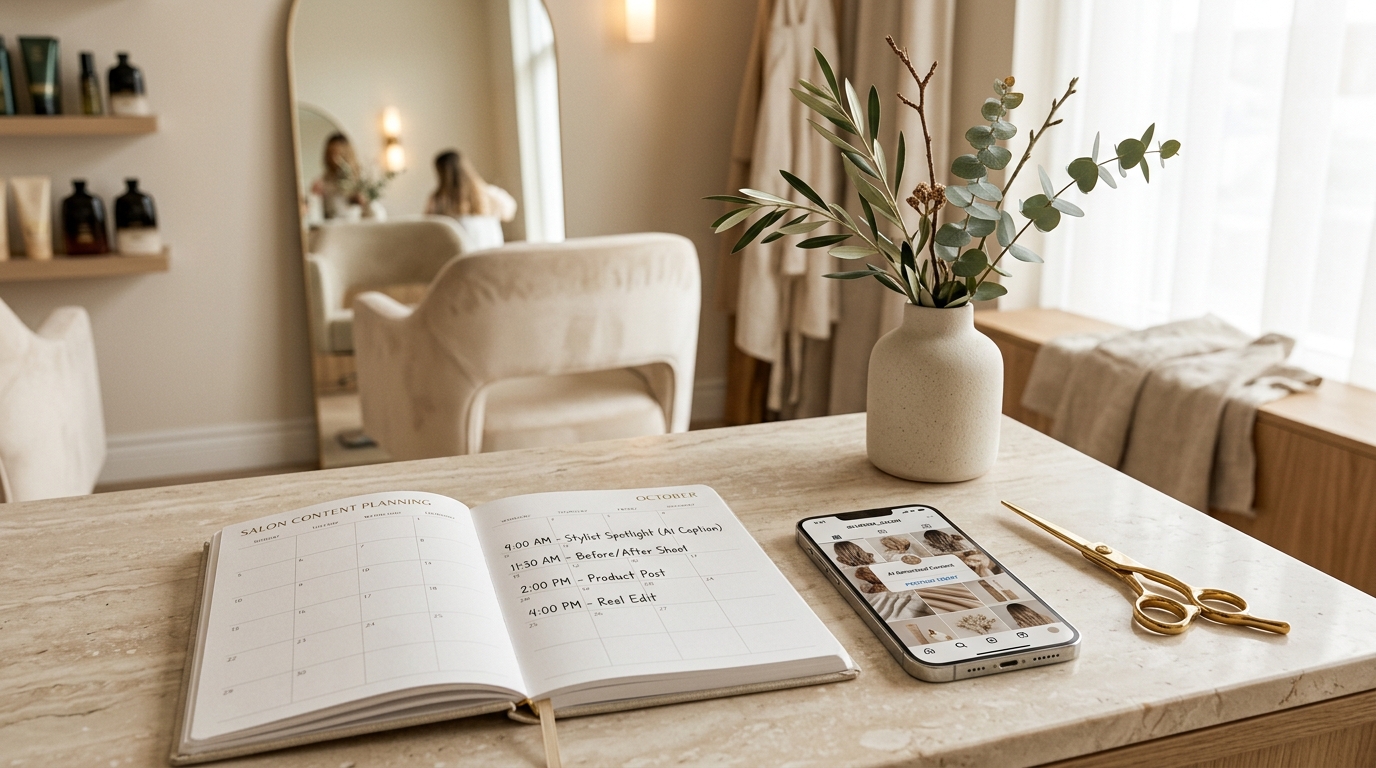
Planning regular social media content can feel daunting when running a busy salon. Between welcoming clients, managing appointments, and keeping styling stations running smoothly, creating Instagram posts often gets delayed. When you finally have a few spare minutes between clients, staring at a blank screen wondering what to post feels like a chore instead of an opportunity to showcase your team's artistry.
This is where AI tools like ChatGPT, Claude, and Gemini can help salon owners. However, you must be realistic about what AI can and cannot do. AI can brainstorm themes, organize a monthly schedule, and write draft captions in seconds. What AI cannot do is hold styling shears, judge hair texture, or capture the real atmosphere of your salon floor. AI produces initial drafts; someone on your team must always review, personalize, and approve every post before publishing.
Step 1: Decide your content pillars
Before opening an AI tool, you need clear content pillars. Content pillars are three to five recurring themes reflecting your salon's daily services. Without pillars, posting feels random. With pillars, you always know what category of content you need on any given day.
For most hair and beauty salons, five core pillars work best:
- Before-and-after results: Visual proof of your team's skill, such as hair color transformations, bridal styling, or rejuvenating facials.
- Hair and skin tips: Practical educational advice answering everyday client questions, like caring for colored hair at home.
- Salon offers and packages: Seasonal specials, weekday packages, or bundled treatments that fill quieter hours.
- Team and behind-the-scenes: Highlighting stylists, showing color mixing at the dispensary, or sharing morning salon prep.
- Customer stories: Honest experiences shared by happy visitors, always posted with their explicit permission.
Rotating through these pillars keeps your feed balanced so you never rely solely on discounts or repetitive haircut photos.
Step 2: Ask AI for a 4-week calendar
Once your pillars are set, ask an AI assistant to organize them into a comprehensive monthly calendar. The secret to useful answers is providing clear context: your salon type, city, key services, and posting schedule.
Ready-to-Copy Prompt: Monthly Calendar
"I manage a boutique salon in Thane. We specialize in haircuts, balayage, and facials. Create a 4-week Instagram calendar with 3 feed posts and 1 short Reel per week across five pillars: transformations, tips, offers, behind-the-scenes, and reviews. Include Indian festivals and seasonal topics. Format as a table with Week, Day, Pillar, Format, Visual Idea, and Topic."
What a Good Result Looks Like
A good AI response provides a clear table mapping out sixteen distinct posts. For instance, Week 1 might suggest a Tuesday carousel on monsoon frizz protection, a Thursday balayage reveal Reel, a Saturday stylist spotlight, and a Sunday bridal review. If topics feel generic, ask the AI to use specific treatments from your salon menu.
Step 3: Write captions in your own voice
Once your schedule is ready, use AI to draft captions. A common mistake is copying raw outputs filled with generic clichés and excessive hashtags. Instead, instruct the tool on your desired tone and add real salon details.
Ready-to-Copy Prompt: Caption Drafting
"Write a warm, conversational Instagram caption for a salon carousel titled '3 Ways to Keep Colored Hair Shiny'. Write like an experienced stylist chatting with a client. Mention our 45-minute salon conditioning treatment and ask followers to share their home routine. Keep it under 90 words with 3 hashtags."
Tips to Keep Your Voice Authentic
- Use exact service names: Replace generic phrases with your salon's actual service names and retail brands.
- Add real timings: Include realistic details, such as "our signature scalp massage takes just 20 minutes."
- Name your stylists: Credit team members directly, such as "styled by Neha" or "colored by Priya."
- Cut dramatic buzzwords: Remove exaggerated words like "miraculous" in favor of natural, conversational advice.
Step 4: Reel ideas and short scripts
Short-form video is one of the most effective ways for beauty professionals to show real-time artistry. You do not need expensive video gear; a smartphone in clean salon lighting works well.
Here are five simple reel ideas your team can film in minutes:
- The wet-to-dry transition: Film damp hair, then snap to a finished, glossy blowout.
- The stylist quick-tip: A stylist shares one actionable home care tip directly on camera.
- The color dispensary: A calming clip of color bowls being mixed under bright salon lighting.
- Myth versus fact: On-screen text answering a common hair myth in fifteen seconds.
- End-of-day reset: A relaxing montage of sweeping stations, wiping mirrors, and turning off salon lights.
Ready-to-Copy Prompt: 20-Second Reel Script
"Write a 20-second Reel script for a stylist sharing tips to protect hair before swimming. Include visual action, spoken lines, text overlay, and music pacing. Keep it simple to record in one take."
Step 5: Replies and reviews
Social media is a two-way dialogue. Replying promptly and politely to comments, questions, and public reviews builds credibility.
For price inquiries like "How much for this?", avoid posting blunt numbers. Ask AI: "Draft a polite Instagram reply explaining that balayage pricing depends on hair length, and invite them to DM a hair photo for a custom consultation."
For Google reviews, vary your thank-you notes. Use AI to draft short, gracious responses that acknowledge the specific service praised by the client.
If a customer leaves a complaint, never argue publicly. Ask AI: "Draft a courteous, calm response apologizing for a long wait time, confirming our commitment to quality, and inviting them to call our salon manager directly to resolve it."
A 30-minute weekly routine
Consistent posting does not require hours on your phone every day. Manage your entire strategy with this 30-minute weekly workflow:
- Minutes 0 to 5 (Plan): Review your monthly calendar and choose upcoming appointments for transformation photos.
- Minutes 5 to 20 (Batch captions): Draft the week's captions with AI, then add real stylist names, treatment timings, and pricing details.
- Minutes 20 to 25 (Schedule): Upload media and captions into Meta Business Suite to publish at peak engagement times.
- Minutes 25 to 30 (Check results): Review previous post comments and reply to client inquiries.
If you would like to learn these tools properly rather than by trial and error, there is a 30-day AI tools course from AivaanTech that covers ChatGPT, Claude, Gemini and more.
Mistakes to avoid
While AI speeds up drafting, your salon's reputation depends on trust. Keep these rules in place:
- No photos or numbers without consent: Never post a client's photo, transformation, or contact details without explicit permission.
- Never post unedited text: AI can invent facts or sound robotic. Always read captions aloud before scheduling.
- Avoid fake reviews: Never use AI to fabricate reviews. Only respond to authentic feedback from real clients.
- Make no false promises: Avoid unrealistic claims about guaranteed hair growth or medical skin cures.
- Verify recommendations: Ensure suggested home care advice aligns with the actual products your salon stocks.
Frequently asked questions
Can salon owners use free AI tools?
Yes. Free versions of ChatGPT, Claude, and Gemini easily handle monthly calendars, captions, reel ideas, and review replies. You do not need paid plans to get started.
Will AI make our salon content sound robotic?
Only if you copy raw drafts. When you guide the tool on your tone and add real stylist names and services, captions sound warm and authentic.
Do salon staff need technical skills?
No. Interacting with AI is as simple as sending a chat message. Anyone who can describe a hair or skin service can use it.
The Golden Rule
At S&C Privé Salon, we believe technology should support human artistry, not replace it. Use AI to handle brainstorming and scheduling, so your team can focus on what matters most: delivering exceptional beauty and wellness experiences for every client who walks through your doors.